Change Video Backgrounds and Clothes with AI
Extract the first frame, redesign the look with AI, transfer the original motion, then restore the face in After Effects.
AI video workflow · Nano Banana Pro · Kling 2.6 · After Effects
This is not a replacement for editing. It is a faster way to create the new look first, then use video tools to keep the original motion and face believable.
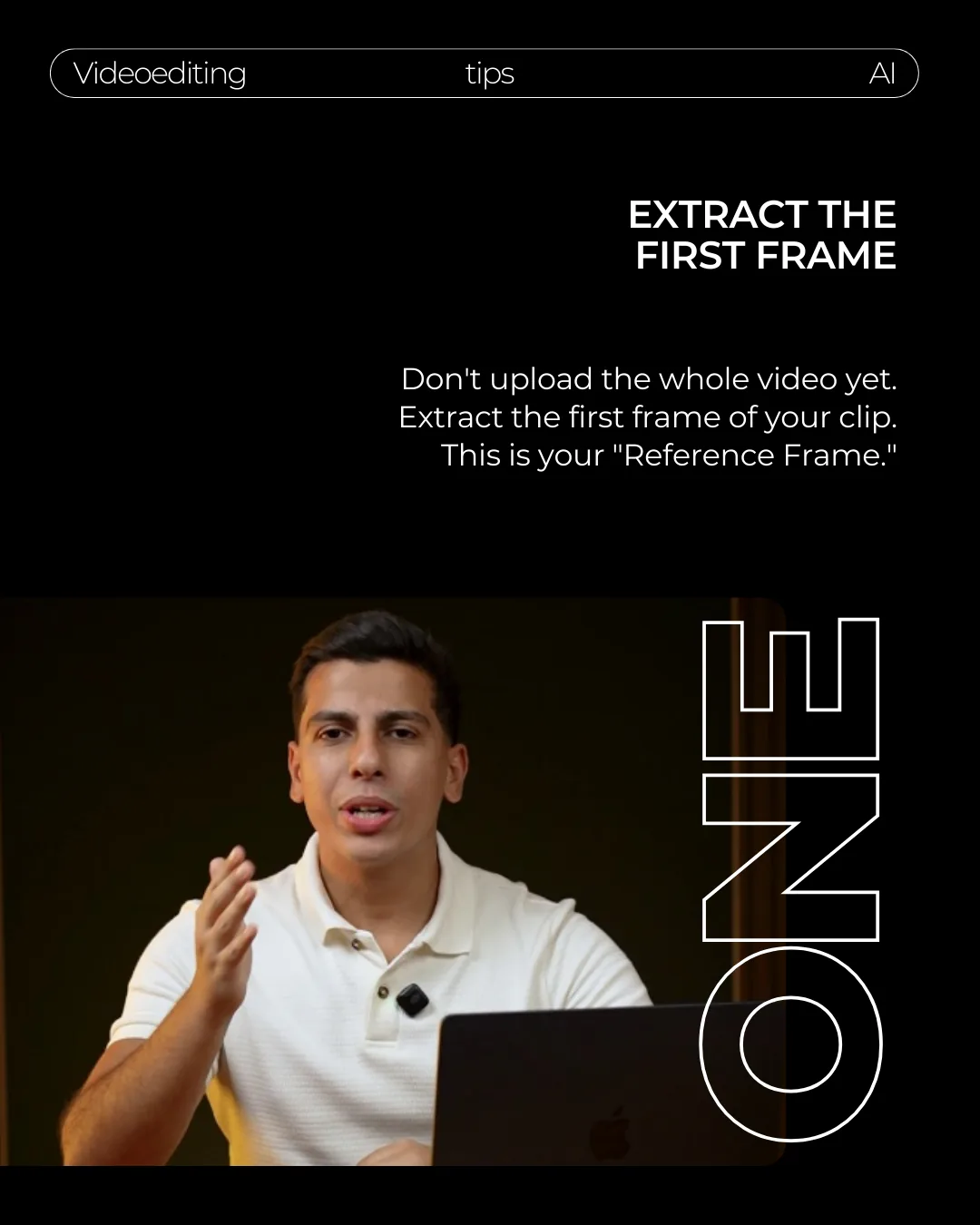
Extract the first frame
Start by extracting the first frame of your video. This is your reference frame, so choose a moment where the face, clothes, and body pose are clear.
Do not upload the full video yet. The workflow starts with one still image, then brings the motion back later.
Change the background and outfit in one image first
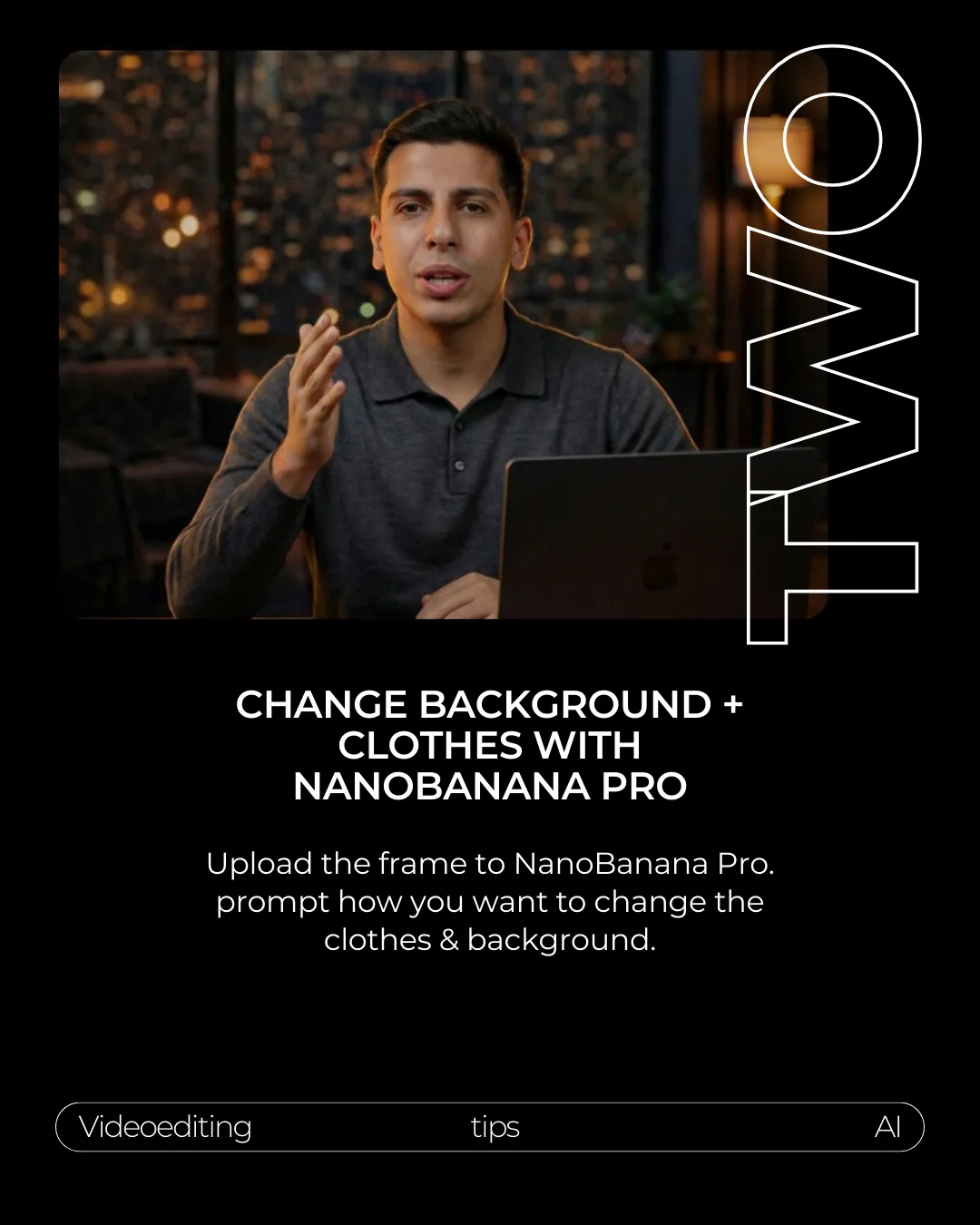
Upload the frame to Nano Banana Pro. Prompt the exact clothes and background you want while telling the AI what must stay the same: face, pose, framing, hands, and camera angle.
Keep the same person, face, pose, camera angle, hands, and framing from this reference frame.

Change the background to: [describe the new location, lighting, and mood].
Change the clothes to: [describe the new outfit, fabric, color, and style].

Do not change the face identity, expression, mouth shape, hand gesture, body pose, or camera framing.
Download .txt
Transfer the original motion into the edited frame
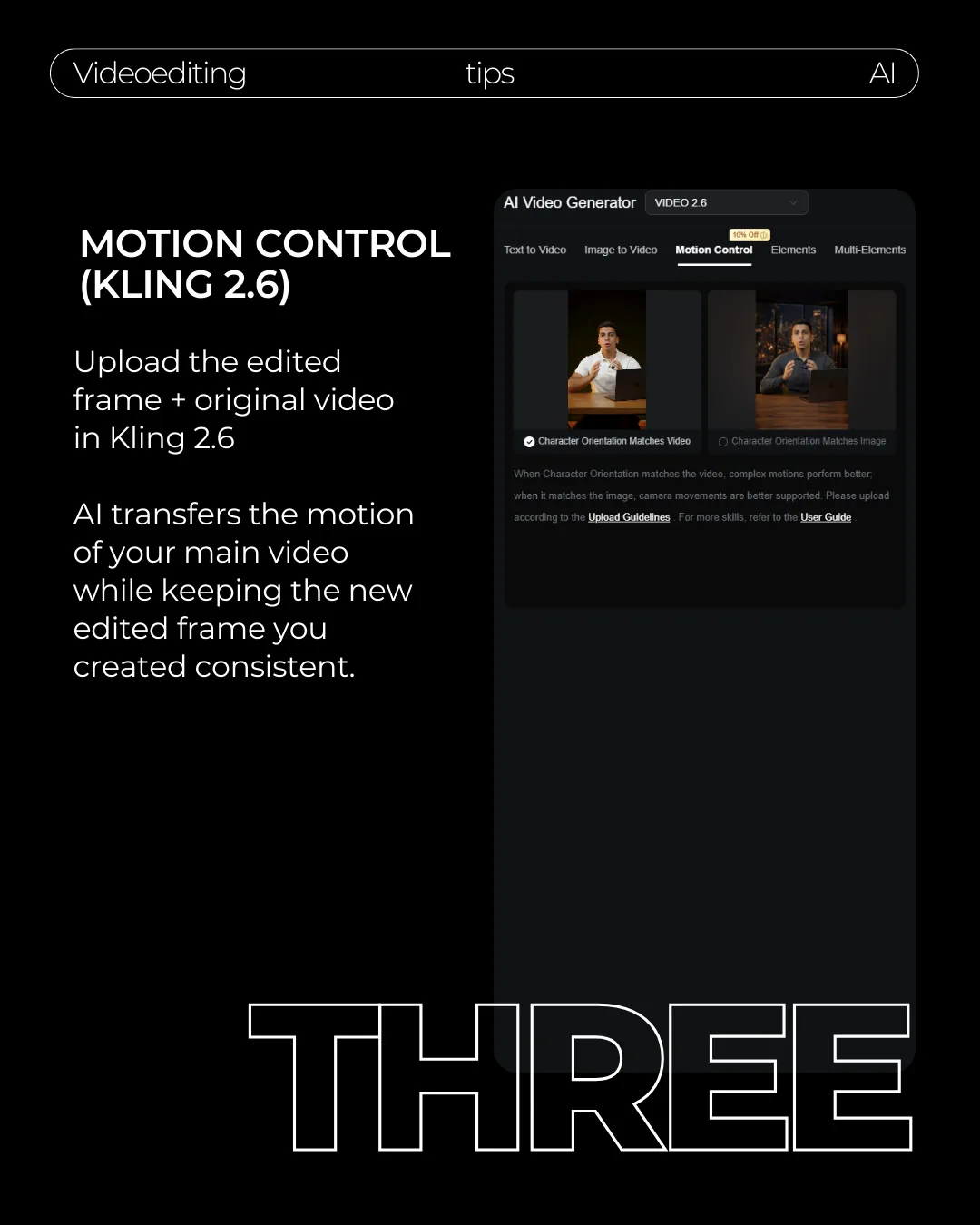
Open Kling 2.6 Motion Control and upload the original video plus the edited frame. The original video supplies the motion. The edited frame supplies the new look.
Match the character orientation to the video when you want the movement to stay close to the original clip.
Let AI transfer the motion, then use editing to clean the parts AI cannot preserve perfectly.
Fix the face in After Effects
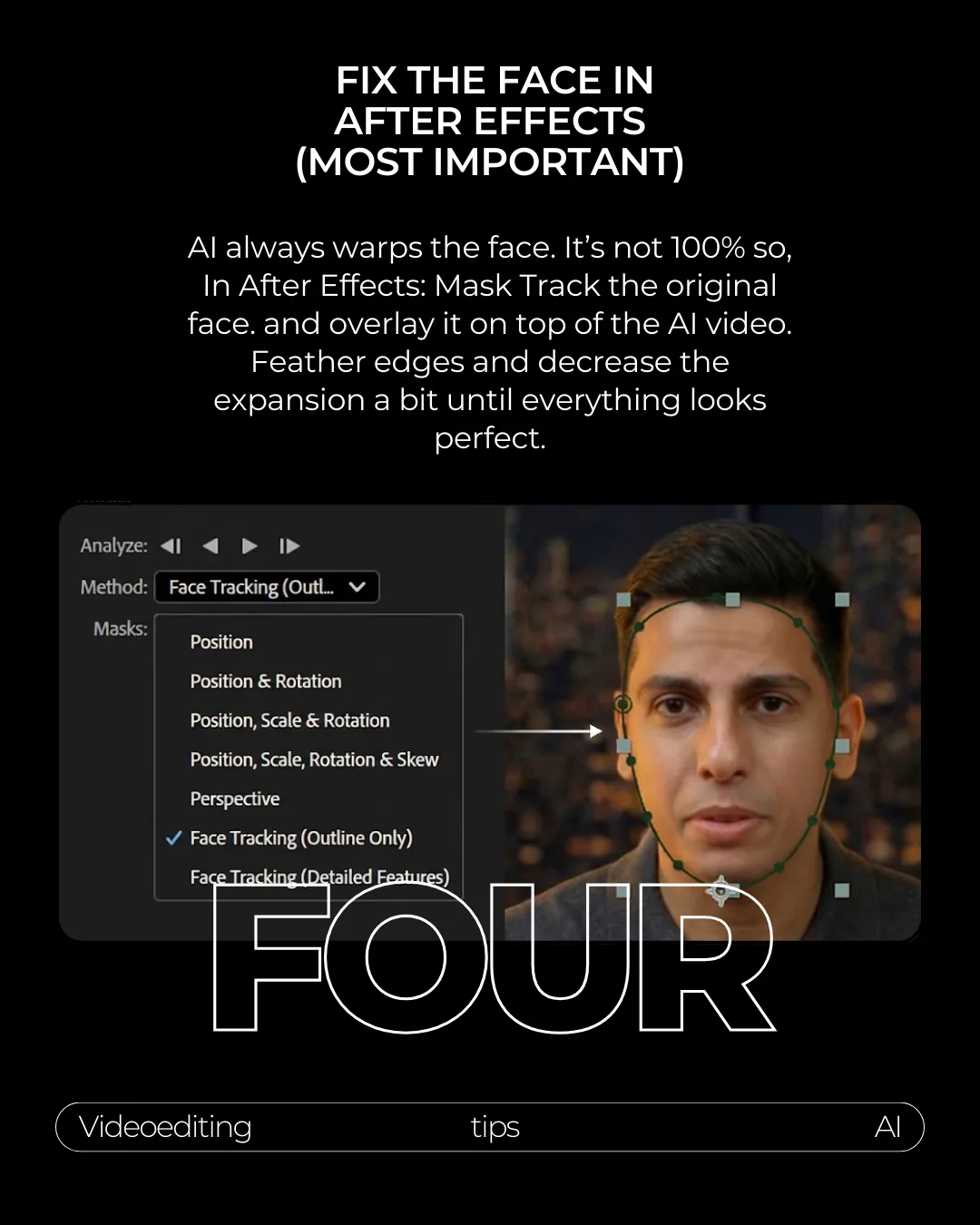
This is the most important step. AI often warps the face, especially around the mouth, eyes, and edges. Bring the AI clip into After Effects, place the original clip above it, and mask-track the original face.
Feather the edges and decrease the mask expansion until the original face sits naturally on top of the AI video.
Final export checklist
This workflow is best for short clips where you need a new background and clothes without manually rotoscoping the whole shot.
- Face identity stays consistent through the full clip.
- Mouth movement is not smeared or doubled.
- Hands do not melt into the desk or laptop.
- The new outfit keeps texture during motion.
- Background blur and lighting match the subject.