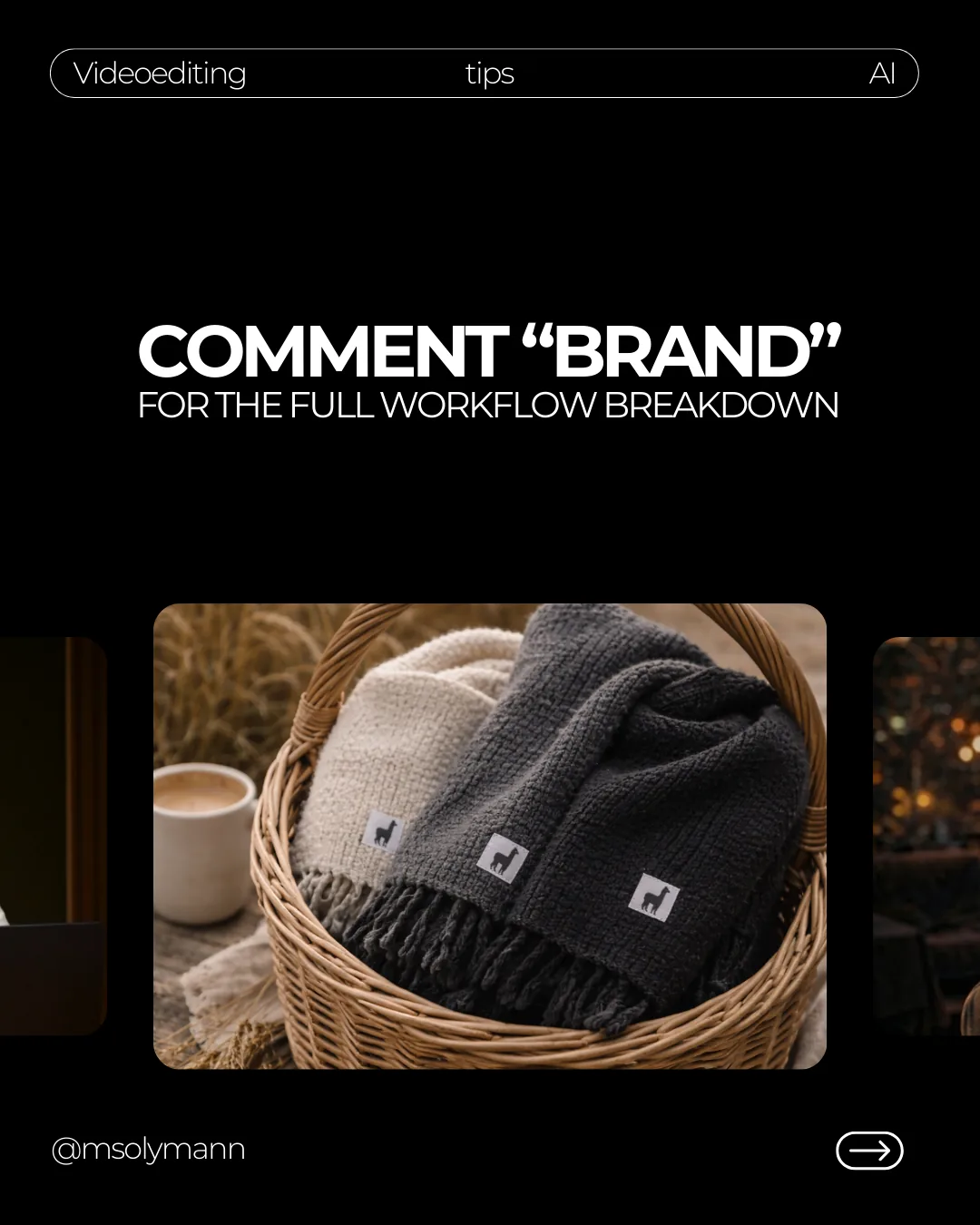
Replace a Product Photoshoot with AI
Turn one clean product photo into a cohesive cinematic campaign and subtle motion using references, prompts, Veo, and Kling.
Product visuals · AI photo shoot · Prompt design · Image-to-video
This workflow is about speed and direction: one clean phone photo, a reference board, AI scene generation, and subtle image-to-motion for a product post that feels much bigger than the input.
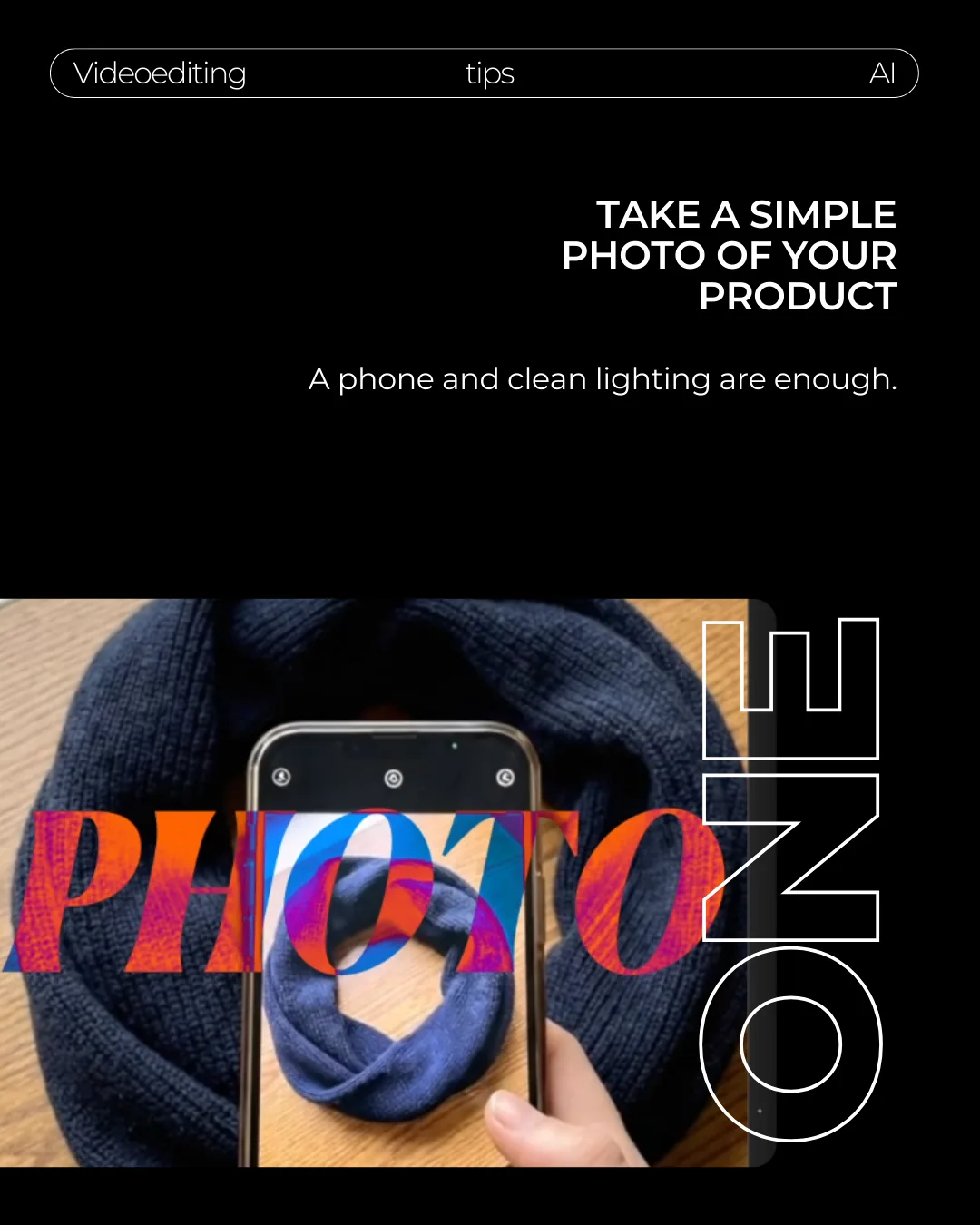
Take a simple photo of the product
Use your phone and clean lighting. The image does not need to look like a final campaign shot. It only needs to show the product clearly.
Make sure the product shape, material, color, fringe, and logo patch are readable. Those details become the identity reference for the generated scenes.
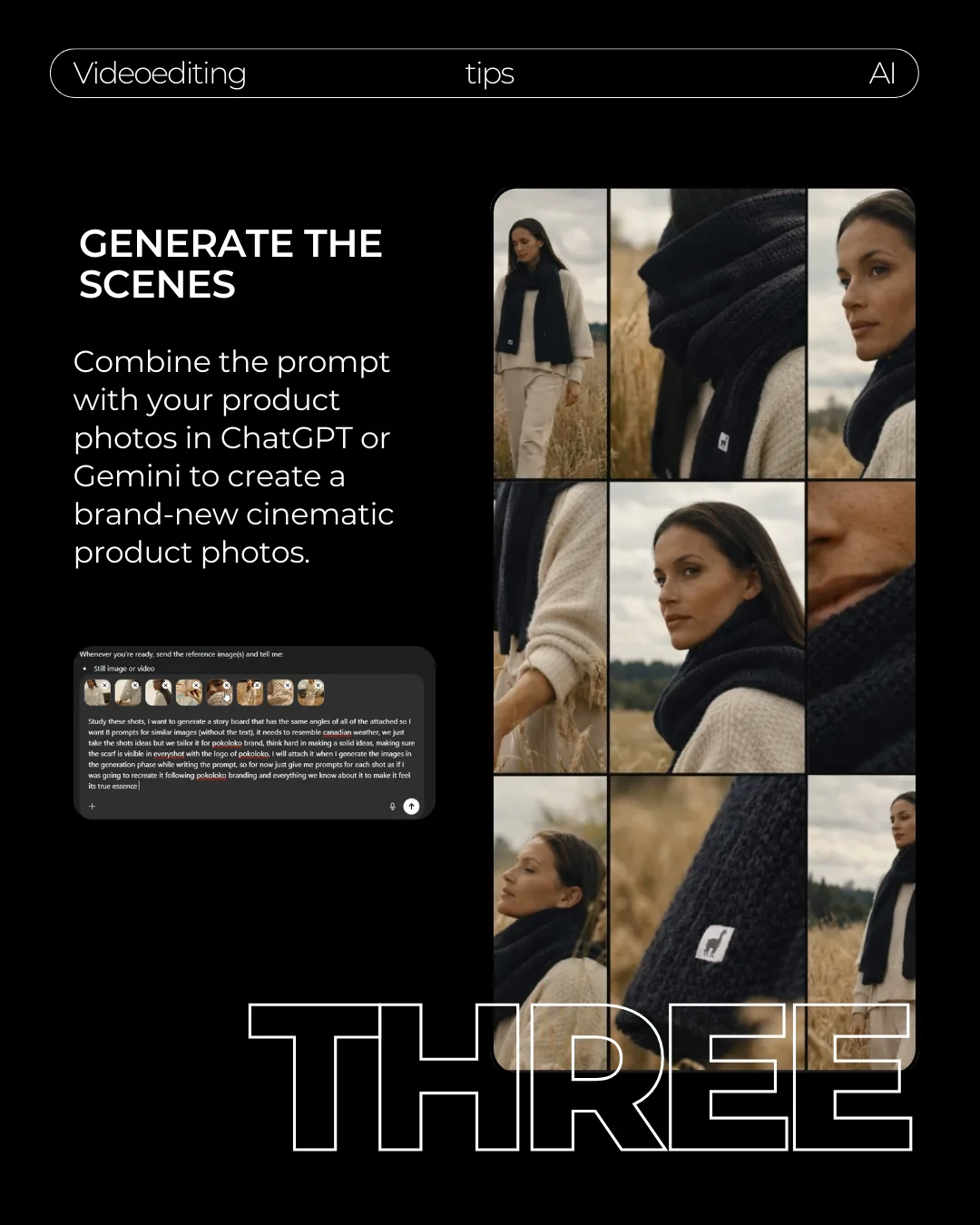
Build the creative direction before you generate
Grab a reference image or board from Pinterest. Then use ChatGPT or Gemini to turn the direction into a detailed, production-ready prompt.
Study this reference image and turn it into a production-ready prompt for my product.

Describe the location, weather, styling, lighting, camera angle, lens feel, color palette, model mood, and product placement.

Preserve the exact product from my photo: texture, color, fringe, shape, and logo patch. Keep the style cinematic and realistic.
Download .txt
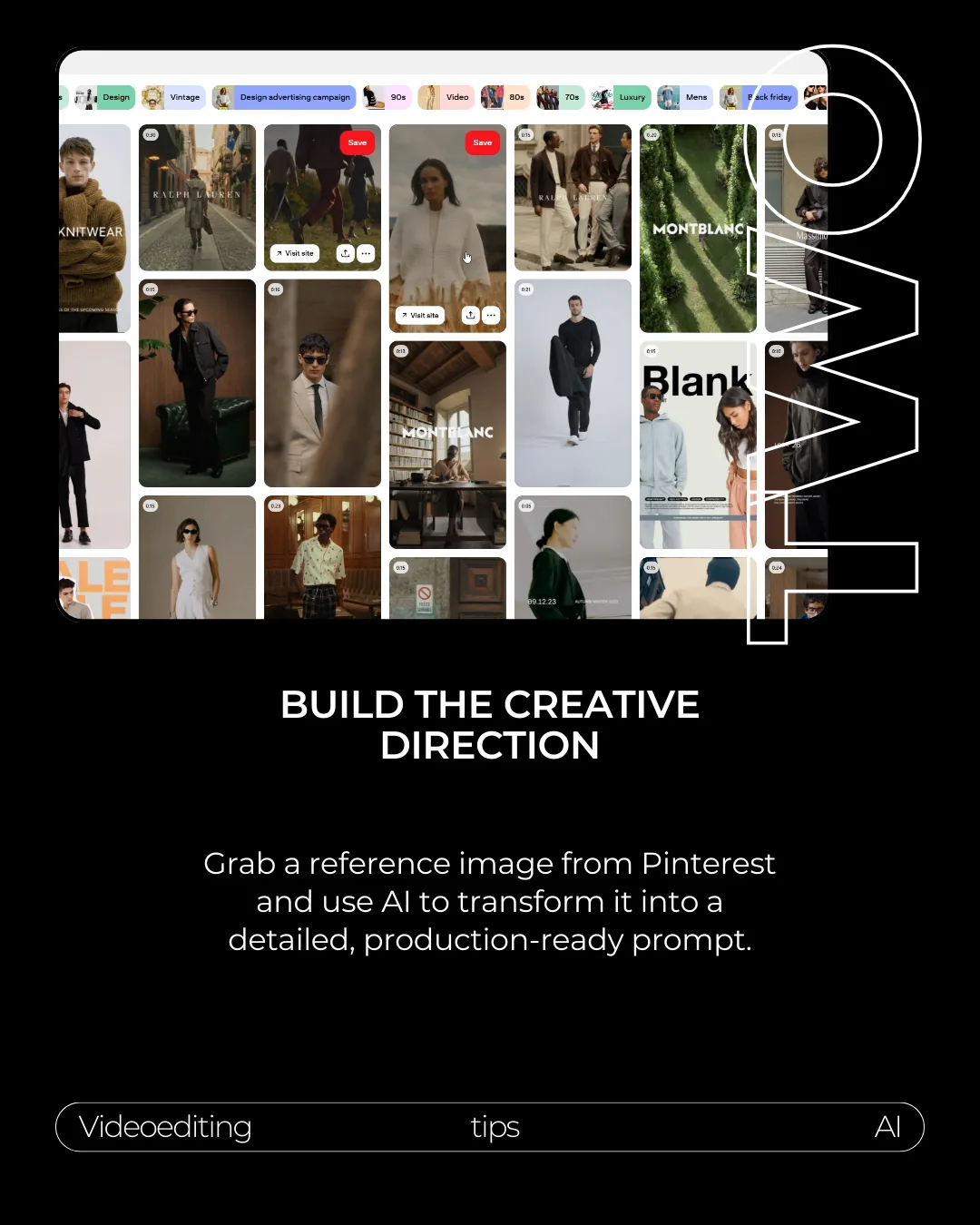
Generate a scene set, not one random image
Combine the product photo with the prompt. Ask for multiple angles so you get a small campaign set, not one random image.
Using the attached product photo as the identity reference, generate a cohesive cinematic product photoshoot.

Create these shots:
1. Wide lifestyle shot.
2. Close-up product texture shot.
3. Model wearing or using the product.
4. Product placed naturally in the environment.
5. Logo/detail close-up.
6. Final hero image.

Keep the exact product colors, texture, shape, fringe, and logo patch consistent across all images.
Download .txt
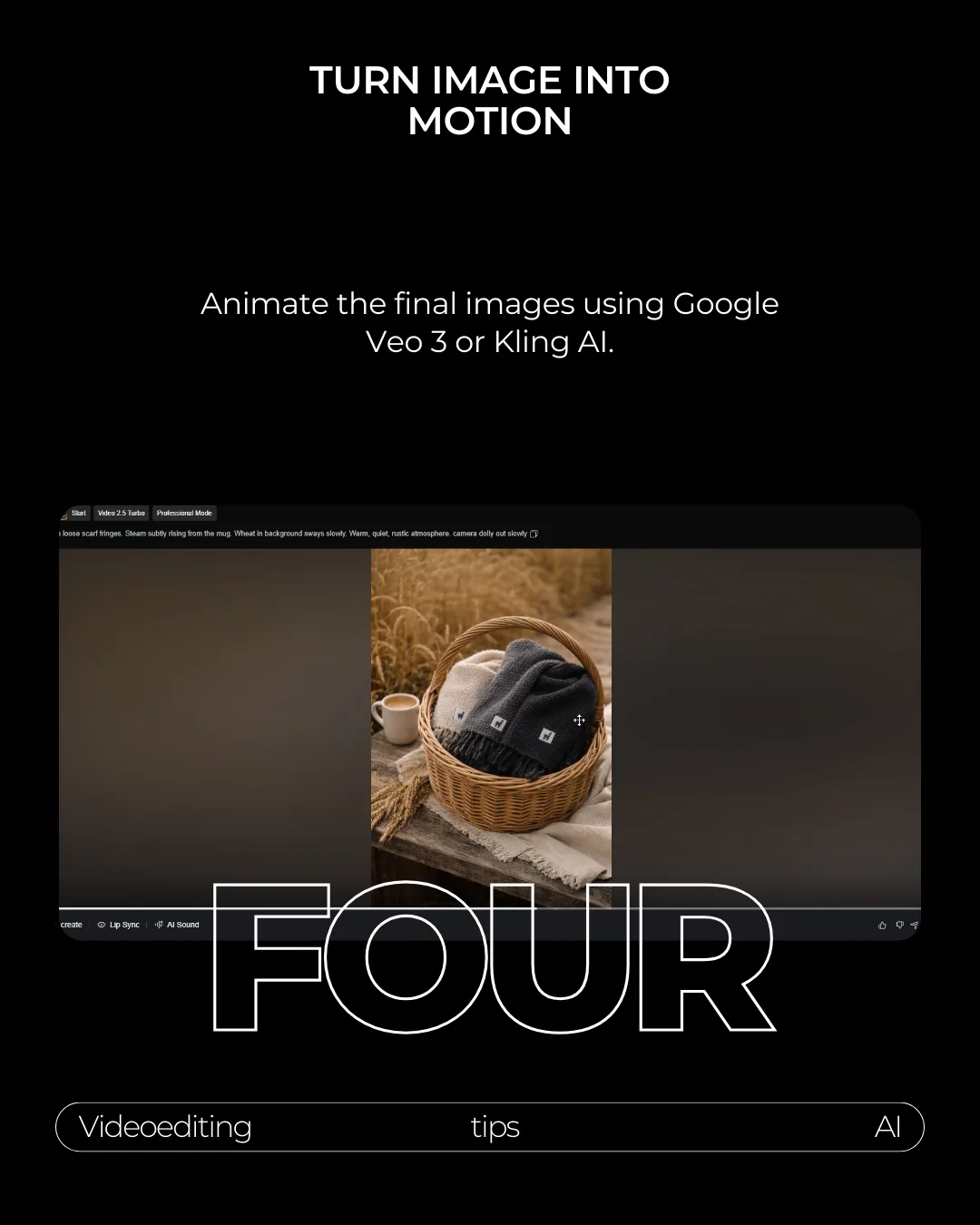
Turn the best stills into motion
Once you have the final images, animate them using Google Veo or Kling AI. Keep the motion simple and believable.
A slow camera dolly, subtle fabric movement, or light atmosphere is usually enough.
Package the output like a real campaign
Package the final result as a small set: hero image, close-up, lifestyle shot, and motion loop. That is what makes the workflow useful for posting, not just experimenting.
- Product identity stays consistent across every image.
- The logo patch is visible and not misspelled or distorted.
- Colors match the real product photo.
- Every image belongs to the same campaign world.
- Motion is subtle enough to feel premium.